Rotate
Right mouse drag on desktop; two fingers on mobile. Inspect side and back thickness, not just the front.
Draw a straight line
Left mouse drag on desktop; one finger on mobile. Drag across the object. A new line can replace the previous one.
Cut
Press Cut. The calculated pieces separate. If the line does not divide the object, read the message and redraw.
Read the result
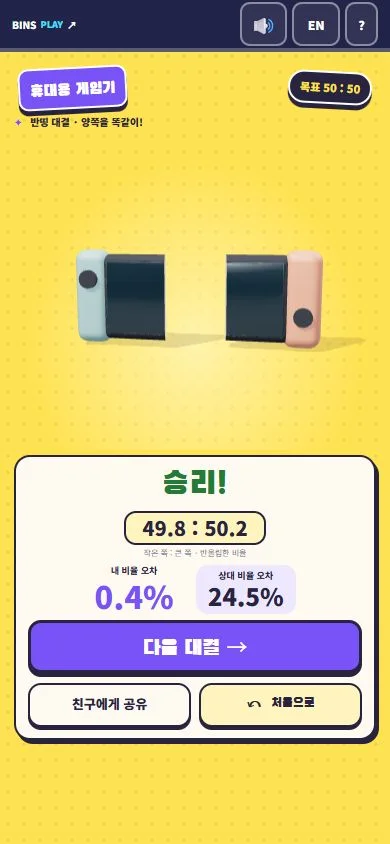
Ratios are volume shares. Lower error is better. Match modes show a win, loss or draw.
Try the scoring
Example only. This does not create a game record.
Error 10.0%Not-Half targets the smaller piece
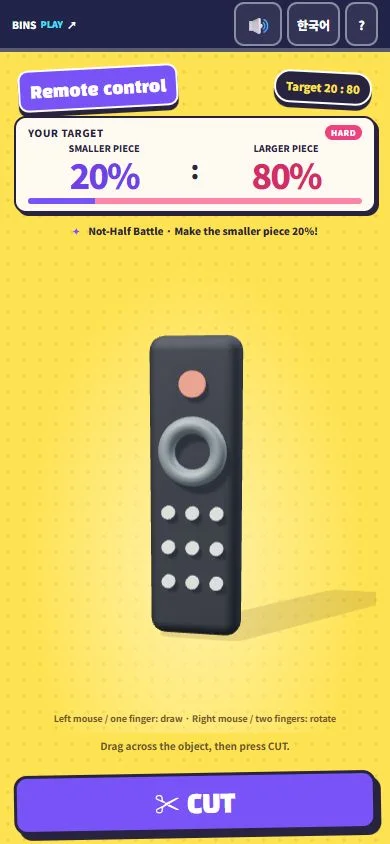
For 20 : 80, make the smaller piece 20% of total volume. Either side can be small. Cutting off 20% of the visible length does not necessarily give 20% of volume.
The five-second look
Press Start 5-second look to begin observation. Left mouse or one finger can rotate during this phase, and cutting is disabled. The final angle locks after five seconds. Release your input and start a new drag to draw. There is no cutting deadline after observation ends.
Daily Bantting: average of three
The game compares the average of a completed three-cut bundle. It does not combine separate personal-best cuts. Only an average lower than today’s existing best can register a nickname; ties do not replace it.
A started daily challenge cannot be restarted as a new attempt by the same browser guest. Continue that challenge if interrupted. The date resets at midnight in Korea. Removing browser data can lose record ownership.
Sharing and troubleshooting
What does my friend receive?
Share creates a nickname and challenge link. Their attempt uses the same conditions and cannot alter your original record.
It looks half but scores badly
Inspect thickness, bends and holes. Scoring uses model volume rather than screen area.
Loading or calculation stalls
Wait, then retry as instructed. Send the browser, device, object name and displayed message so we can investigate.